 EN
EN


Root Causes of Ribbon Breakage in Ribbon Printers
Mechanical Stress from Incorrect Tension and Misalignment
Excessive tension and misaligned components are the primary mechanical causes of ribbon breakage. When loaded too tightly, the ribbon experiences increased friction and substrate stress—often culminating in a snap during operation. Misaligned paths—due to worn rollers, damaged guides, or improper threading—introduce uneven lateral forces that lead to tearing. Wrinkling is a key early warning sign. To prevent this, operators must verify tension settings against the manufacturer’s specifications and confirm all rollers spin freely. Regular inspection of the ribbon path for burrs, adhesive residue, or debris ensures consistent, low-friction movement. Proper installation—where the ribbon unrolls smoothly without slack or binding—is foundational to eliminating avoidable mechanical stress.
Thermal Overload from Improper Printhead Temperature or Driver Settings
Printhead temperature and driver settings critically affect ribbon integrity. Excessive heat can melt or embrittle the ribbon’s coating, weakening the substrate so it fractures under normal tension. Conversely, insufficient thermal energy forces the printer to compensate with higher mechanical pressure—also straining the ribbon. Even minor deviations of ±3°C from optimal settings can trigger premature failure, especially during extended print runs. Using an incompatible ribbon type (e.g., wax on high-speed synthetic media) compounds thermal mismatch. Matching the ribbon material—wax, wax-resin, or resin—to both the printhead’s thermal profile and the media’s thermal response is essential. Routine calibration—supported by most modern ribbon printers—ensures stable, repeatable energy delivery and prevents heat-induced degradation over time.
Ribbon Printer-Specific Prevention Techniques
Preventing ribbon breakage starts with printer-specific actions. Two critical areas—installation and calibration—directly control mechanical and thermal stress. Addressing them systematically reduces downtime and extends component life.
Correct Ribbon Installation and Dynamic Tension Management
For any ribbon printer, correct installation is the foundation of reliable operation. Thread the ribbon so it lies flat against the media without wrinkles or twisting. Apply only the tension specified in the printer manual—overtightening increases drag and accelerates wear, while excessive looseness invites slippage or looping that risks entanglement. Many modern printers feature dynamic tension management, automatically adjusting feed tension as the ribbon roll diameter decreases. This maintains consistent ribbon velocity and minimizes mechanical shock. After each ribbon change, perform a test print to verify smooth, wrinkle-free movement—and inspect the path for debris or roller misalignment before resuming production.
Printhead Pressure Calibration and Sensor Alignment for Ribbon Printers
Printhead pressure directly impacts ribbon longevity and print quality. Too much pressure crushes the ribbon, causing micro-tears and eventual breakage; too little results in poor transfer and compensatory energy spikes that increase thermal load. Calibrate pressure to match both ribbon thickness and media type—most printers include mechanical or software-based adjustment tools to ensure even contact across the full print width. Sensor alignment is equally vital: a misaligned media or ribbon-end sensor may fail to detect ribbon depletion, causing the printhead to continue heating after the ribbon has run out. Clean sensors regularly with a lint-free cloth, and use the printer’s built-in diagnostics to validate positioning. Together, precise pressure calibration and accurate sensor alignment mitigate both mechanical fatigue and thermal overload.
Selecting and Validating Compatible, High-Performance Ribbons
Choosing the wrong ribbon for your ribbon printer is a direct path to frequent breaks and inconsistent output. High-performance ribbons must align with the printer’s mechanical tolerances, thermal capabilities, media type, and environmental demands. Validation through real-world testing—not just spec-sheet matching—confirms that the ribbon delivers stable tension absorption, thermal resilience, and adhesive compatibility. Skipping this step often leads to reprints, waste, and unplanned downtime—costs that far exceed any short-term savings from non-certified or generic alternatives.
Matching Ribbon Material (Wax, Wax-Resin, Resin) to Your Ribbon Printer and Media
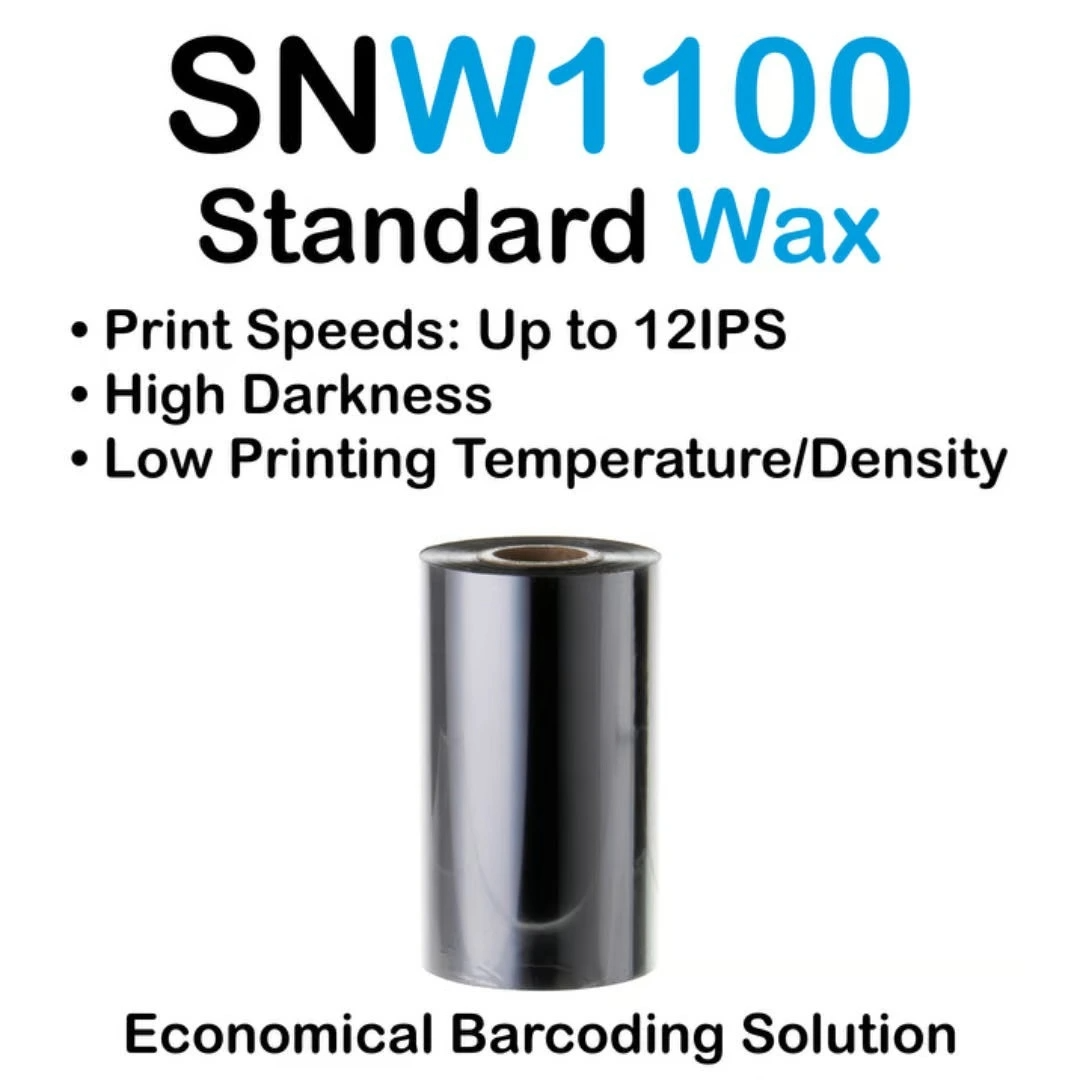
The three primary ribbon types—wax, wax-resin, and resin—are engineered for distinct applications and require deliberate pairing with both printer and substrate. Wax ribbons operate at lower temperatures and suit paper labels used in retail or shipping, where durability requirements are modest. Wax-resin blends provide enhanced smudge and moisture resistance for coated papers or polypropylene labels exposed to light handling. Resin ribbons deliver maximum chemical, abrasion, and heat resistance—essential for synthetic materials in industrial, healthcare, or outdoor environments. Crucially, ribbon width, core size, winding direction, and coating side must all comply with your printer’s physical and operational specifications. Validate compatibility by testing a sample roll under actual production conditions—including variable speed, darkness, and tension settings—to catch breakage risks before full deployment.
Proactive Maintenance Routines for Long-Term Ribbon Printer Reliability
A structured maintenance plan protects both the printer and the ribbons it uses. Daily tasks should include gentle cleaning of the printhead and ribbon path using a static-free brush to remove dust, lint, and ribbon dust buildup—sources of friction-induced stress. Monthly inspections must verify printhead pressure consistency, roller surface integrity (replacing those outside the manufacturer’s hardness tolerance), and tension calibration drift. Industrial benchmarks show facilities implementing tiered maintenance reduce unplanned downtime by 32%. Operators should always handle ribbons by the edges to avoid transferring skin oils—which degrade coating adhesion and thermal transfer efficiency. Aging printheads require up to 18% more energy to achieve proper fusion, increasing thermal stress on the ribbon interface. Tracking usage metrics and scheduling bi-annual professional servicing of motors, sensors, and firmware updates helps sustain ribbon life, print fidelity, and long-term system reliability.
FAQs
Why do ribbons break in ribbon printers?
Ribbons often break due to mechanical stress from incorrect tension or misalignment, thermal overload from improper printhead temperatures, or using incompatible ribbon materials.
How can I prevent ribbon breakage?
Prevent ribbon breakage by ensuring proper installation, calibrating printhead pressure, managing tension, and selecting the appropriate ribbon material for your printer and media type.
What maintenance routines should I follow for ribbon printers?
Regular maintenance includes cleaning the printhead and ribbon path, inspecting roller integrity, calibrating pressure, and scheduling professional servicing every six months.
What is the importance of ribbon material compatibility?
Using compatible ribbon materials ensures optimal thermal and mechanical performance, reducing breakage, waste, and production downtime.
Why does printhead pressure affect ribbon durability?
Improper printhead pressure can crush or inadequately transfer material, causing micro-tears, increased thermal stress, and eventual ribbon failure.